
Search Colorado Court Records
Colorado does not offer a free statewide repository of complete case files. The Colorado Judicial Branch Docket Search is a free calendar search for state district and county courts. It can reveal a scheduled hearing, case number, courthouse, court type, party name, and hearing details. It does not supply pleadings, signed orders, disposition documents, or a full register of actions. Municipal courts are also excluded because cities operate those courts outside the state Judicial Branch.
Approved commercial services linked by Colorado Courts E-Filing provide real-time registers for civil, water, small-claims, domestic, felony, misdemeanor, and traffic cases. Those registers are expressly unofficial and do not provide document copies. Before searching, gather the full party name, spelling variants, likely filing years, and every plausible county. A complete case number is the best key.
- Open Docket Search and choose a date or date range. Add at least one more filter because a date alone cannot run the search.
- Select a district, county, courthouse, court type, or division when known. For a case number, enter its year, class, and sequence in the separate fields.
- Search an individual by first and last name, a business in Business mode, or an attorney by name or Colorado bar number.
- Save the complete case number, county, courthouse, hearing type, and party spelling. Treat the result as calendar data, not proof that a hearing occurred.
- Use the filing court's clerk or the statewide Record/Document Request to obtain the register, orders, or certified copies.
If the name search returns nothing, change the date range and test aliases, prior names, hyphenation, or business spelling. A missing result may reflect an old file, no published hearing, a municipal case, delayed entry, or a sealed record. It does not prove that no Colorado court record exists.
Colorado Court Record Fields
The statewide form separates location, case-number, party, attorney, and date controls. County and courthouse selections narrow the search, while individual and business modes expose different name fields. The public interface can change, but these researched controls define the current Colorado docket search.
| Field Label | Type | Required | Notes / Format |
|---|---|---|---|
| Judicial District, County, Courthouse | Dropdowns | No | Location choices narrow court and courthouse results. |
| Court Type and Division | Dropdown / text | No | Use when the court level or courtroom division is known. |
| Date Range or Specific Date | Dropdown / date | Yes | A date filter plus another criterion is required. |
| 4-Digit Year, Case Class, Sequence | Text / dropdown | No | Together these fields form the case number. |
| Individual or Business | Radio control | Conditional | Changes the available party-name fields. |
| First and Last Name / Business Name | Text | Conditional | Use the exact filed spelling and test variants. |
| Attorney Name or Bar Number | Mode / text | No | Searches cases associated with counsel. |
The case class gives a useful routing clue. Common examples include CR for district criminal, DR for domestic relations, PR for probate, and county-court classes such as C, T, M, and S. Confirm the class with the clerk before drawing conclusions about the case.
Types of Colorado Court Records
Colorado District Courts have general jurisdiction. Their files include felony, unlimited civil, divorce, juvenile, probate, mental-health, and name-change proceedings. County Courts handle misdemeanors, state traffic matters, evictions, protection orders, small claims, limited civil disputes, and early felony proceedings. A felony may begin with a county-court complaint and later receive a separate District Court file after bind-over or formal filing.
Municipal court records require separate treatment. A city citation for an ordinance, parking, nuisance, or local traffic matter may never enter the Judicial Branch docket system. Water cases are District Court matters assigned to seven basin-based water divisions. Their records include applications, statements of opposition, referee rulings, and decrees, with direct Supreme Court review of water judgments.
- Civil: complaints, service, answers, motions, judgments, writs, garnishments, and satisfactions.
- Criminal: charging documents, bond, pleas, hearings, verdicts, disposition, sentence, and appeal notices.
- Family: petitions, service, parenting plans, support records, orders, decrees, and later enforcement.
- Probate: wills, petitions, letters, notices, inventories, claims, accountings, and closing papers.
- Traffic: citations, pleas, settings, disposition, costs, warrants, and failure-to-appear events.
- Appellate: notices, designated records, briefs, orders, opinions, mandates, and costs.
What Colorado Court Records Show
A Colorado register of actions is the chronological index of filed events. It can show when a complaint arrived, when service occurred, which attorney appeared, what motion was filed, and whether an order was entered. It is not the same as the underlying paper or electronic document. A signed order controls when a short register label is unclear. Likewise, a docket calendar lists scheduled activity but cannot establish the final result.
| Field | What It Shows |
|---|---|
| Case Number | Filing year, alphabetic case class, and numeric sequence used to identify the file. |
| Court and Location | Judicial district, county, courthouse, court type, and division responsible for the matter. |
| Parties and Counsel | Filed names, party roles, and attorney appearances. Similar names alone do not prove identity. |
| Register Entry | Date, filer, document or event title, and short action description. |
| Hearings | Scheduled date, time, type, location, appearance method when listed, and estimated duration. |
| Disposition | Outcome by claim or count, such as dismissal, judgment, acquittal, conviction, or deferred result. |
| Financial Entries | Costs, judgment amounts, restitution, garnishment, or satisfaction when part of the public file. |
| Case Status | Open, closed, stayed, reopened, or appealed, which does not alone explain who prevailed. |
Public copies remove Social Security numbers, account numbers, protected addresses, minor identifiers, victim data, and other protected fields. Discovery exchanged by the parties does not become a court record unless filed. Transcripts and audio also require their own ordering process.
Colorado Court Records Access Rules
Chief Justice Directive 05-01 and the Judicial Branch Public Record Access Policies govern public, courthouse-only, remote, compiled, and excluded court records. The Colorado Open Records Act, C.R.S. sections 24-72-200.1 through 24-72-206, governs qualifying public records but does not replace the court branch's access rules for judicial case files. The same title contains the Colorado Criminal Justice Records Act for arresting-agency and other criminal-justice records.
Any member of the public may request an open Colorado court record from its custodian. The statewide form lists copies at $0.25 per page. Parties and their attorneys have a $15 maximum copy charge, while nonparties have no page-charge cap. A name search is $5, certification or exemplification is $20 per document, a transcript of judgment is $25, and a certificate of satisfaction is $20. Offsite retrieval costs are actual, while research or redaction is $30 per hour in 15-minute units after the first hour. Postage can be added.
The online request form asks for requester contact details, the court, judicial district and county, a case number when known, and selected documents. Choices include disposition and sentence orders, tickets, judgments, probate papers, a register of actions, certification, and other described documents. Suppressed, juvenile, probate, or protected records may require government-issued photo identification and proof of authority.
Note: A court record missing online may still be available for inspection at the courthouse under Colorado access rules.
The manifest source image below shows the official statewide request workflow. The Colorado Judicial Branch record request form routes a request to the selected filing court.
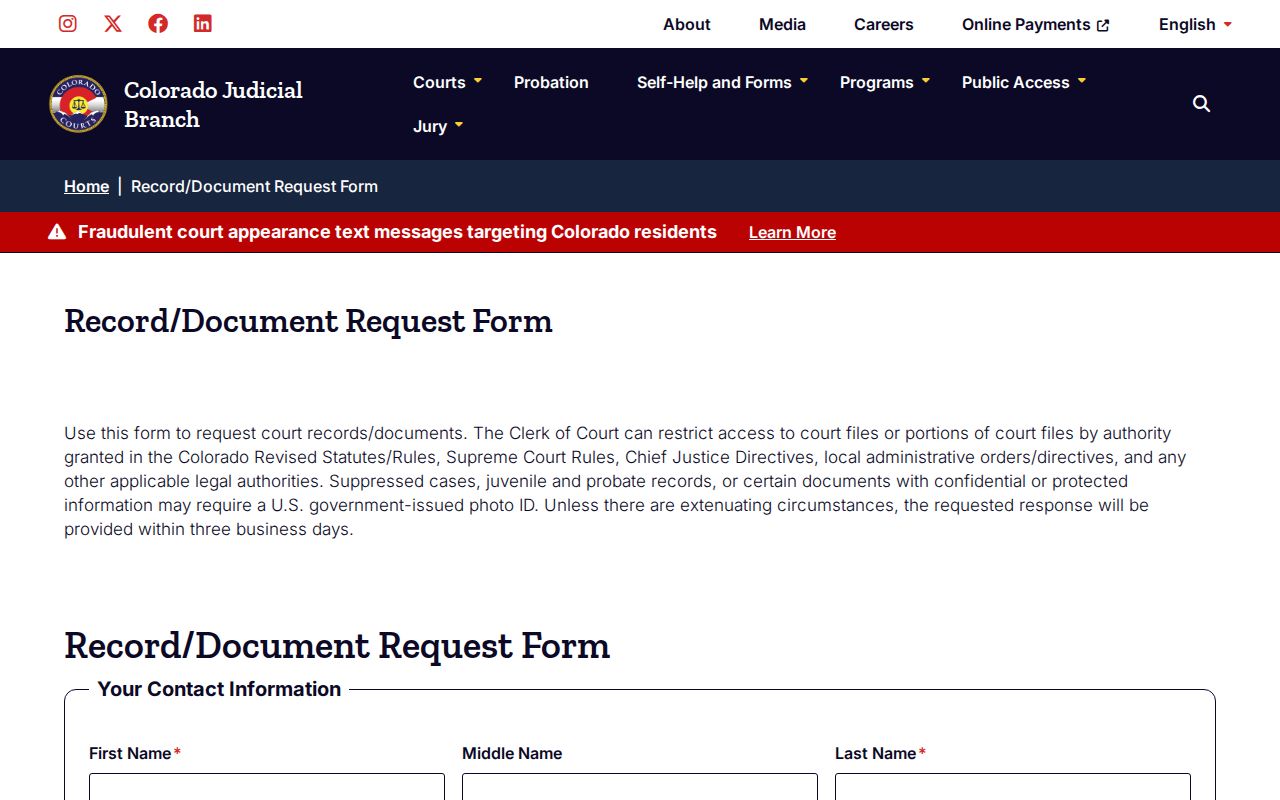
That route is useful after the docket search supplies a case number, county, and document title.
Restricted Colorado Court Records
Juvenile, adoption, and mental-health matters carry strong access limits. Protected reports, clinical evaluations, child-abuse material, victim information, financial identifiers, and confidential addresses may be withheld even when the case's existence is public. A public docket line can coexist with a restricted attachment. Redaction removes protected details from an otherwise accessible document; sealing limits public access to the case or record under an order or statute.
Colorado adult criminal relief is generally called sealing. Expungement is a narrower term used especially for certain juvenile matters. C.R.S. sections 24-72-701 through 24-72-710 contain criminal-record sealing mechanisms, while C.R.S. section 19-1-304 limits juvenile-record access. Eligibility depends on the disposition, offense, sentence completion, later charges, and statutory waiting rules.
The current CJD 05-01 source illustrates how Colorado separates remote access, courthouse access, and excluded material.
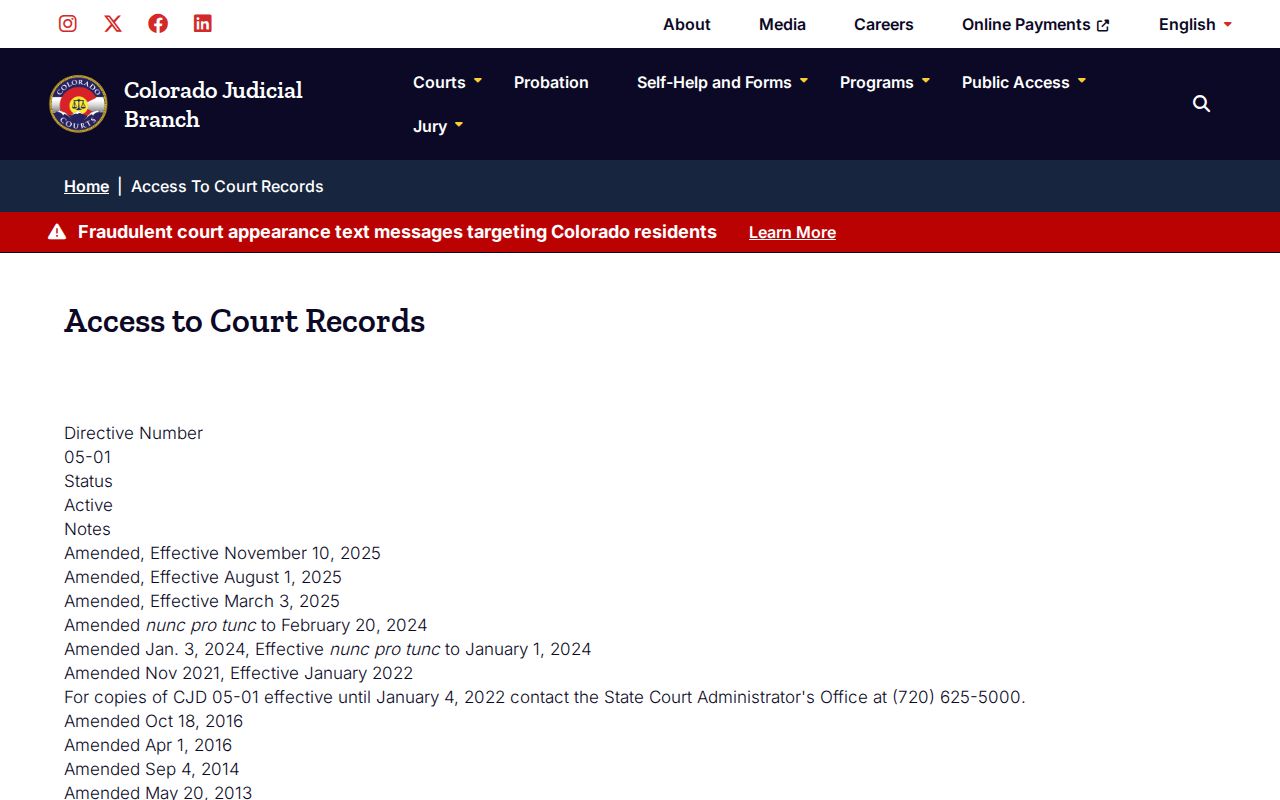
Its categories explain why a no-result screen and a legal sealing order are not the same event.
Colorado Registers and Federal Cases
Colorado's approved commercial registers can help locate a state trial case when the free calendar has no current hearing. The Judicial Branch warns that vendor data is not the official court record and that document images are unavailable. The official E-Filing and vendor explanation shows that distinction.
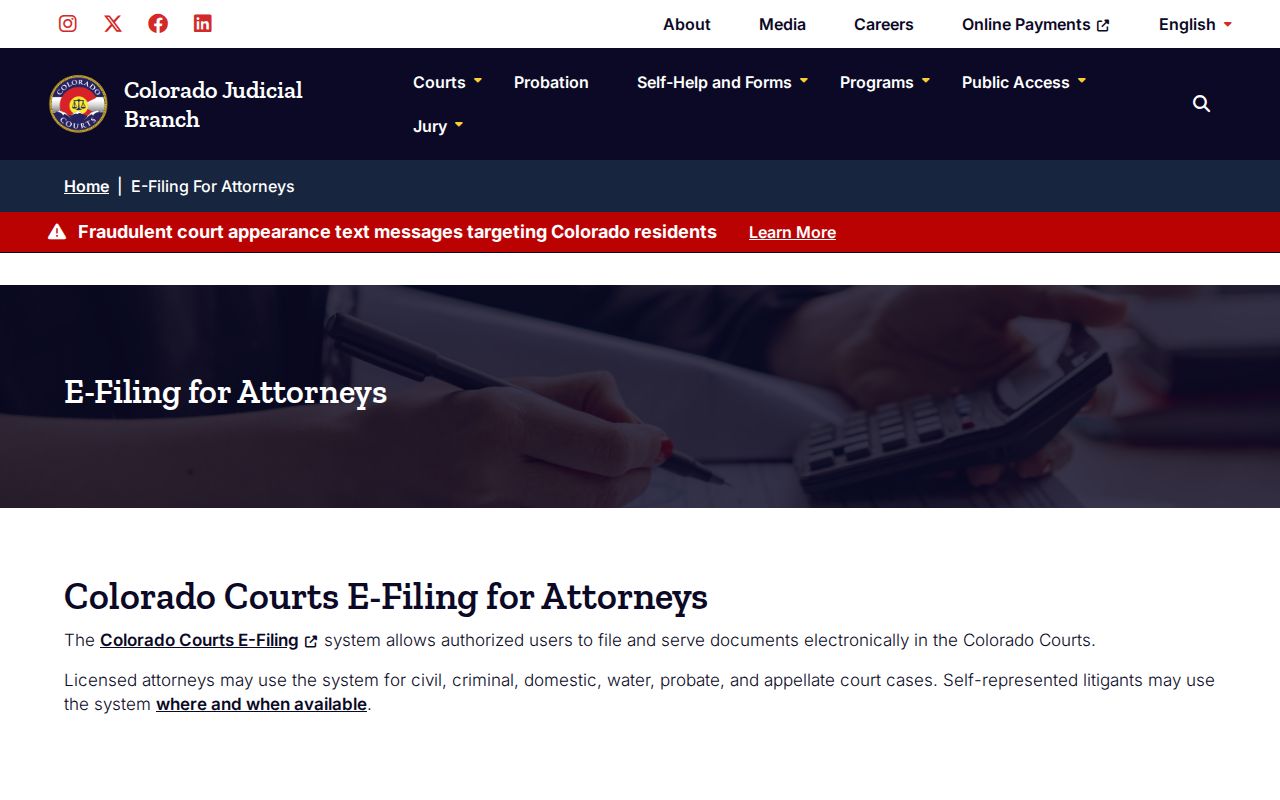
The filing clerk remains the source for signed orders, certified copies, exhibits, and corrections to the official state record.
Federal cases are separate. The U.S. District Court for the District of Colorado covers the state, and bankruptcy matters use the U.S. Bankruptcy Court. Public federal retrieval runs through PACER, not Colorado Docket Search.
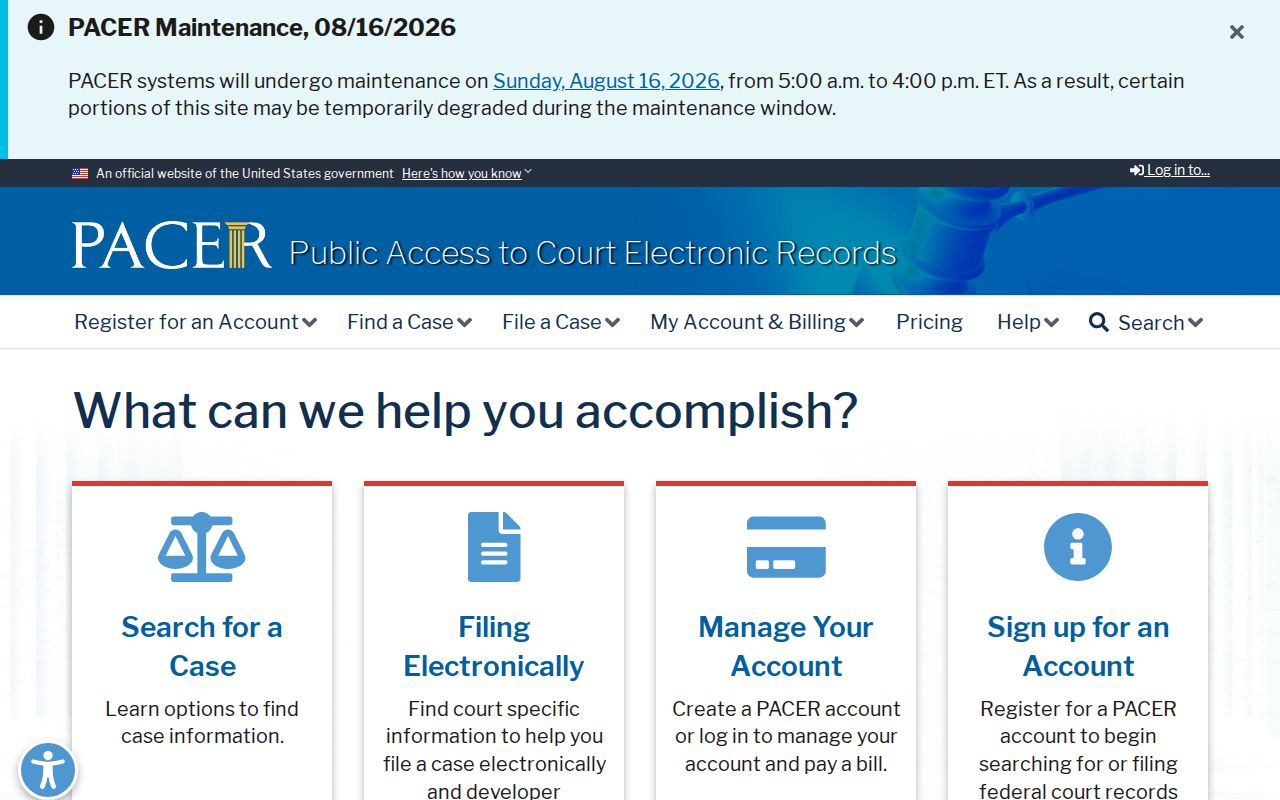
A federal case number or party search in PACER can locate those records, while state divorce, probate, and ordinary state charges remain in Colorado courts.
Find Colorado Court Record Offices
Each of Colorado's 64 counties has a Judicial Branch Clerk of Court for state District and County Court files under the courts framework in the official Colorado Revised Statutes Title 13. The court and case class control the custodian, not the requester's present home. Open the Colorado county directory, choose the filing county, and confirm the court division, clerk location, email, telephone, hours, and accepted payment before requesting a file. Older records may be offsite or transferred to the Colorado State Archives.
Do not confuse the state Clerk of Court with an elected county clerk and recorder. The latter handles marriage licenses and land records, while the Judicial Branch clerk holds court pleadings, decrees, criminal dispositions, and ordinary probate files. Denver has separate operational contacts for District, Juvenile, Probate, and County Courts. A municipal case must go to the city court printed on the citation or summons.
Tip: Save the full case number and courthouse location before contacting the clerk, especially when one judicial district serves several counties.